Search and Navigation
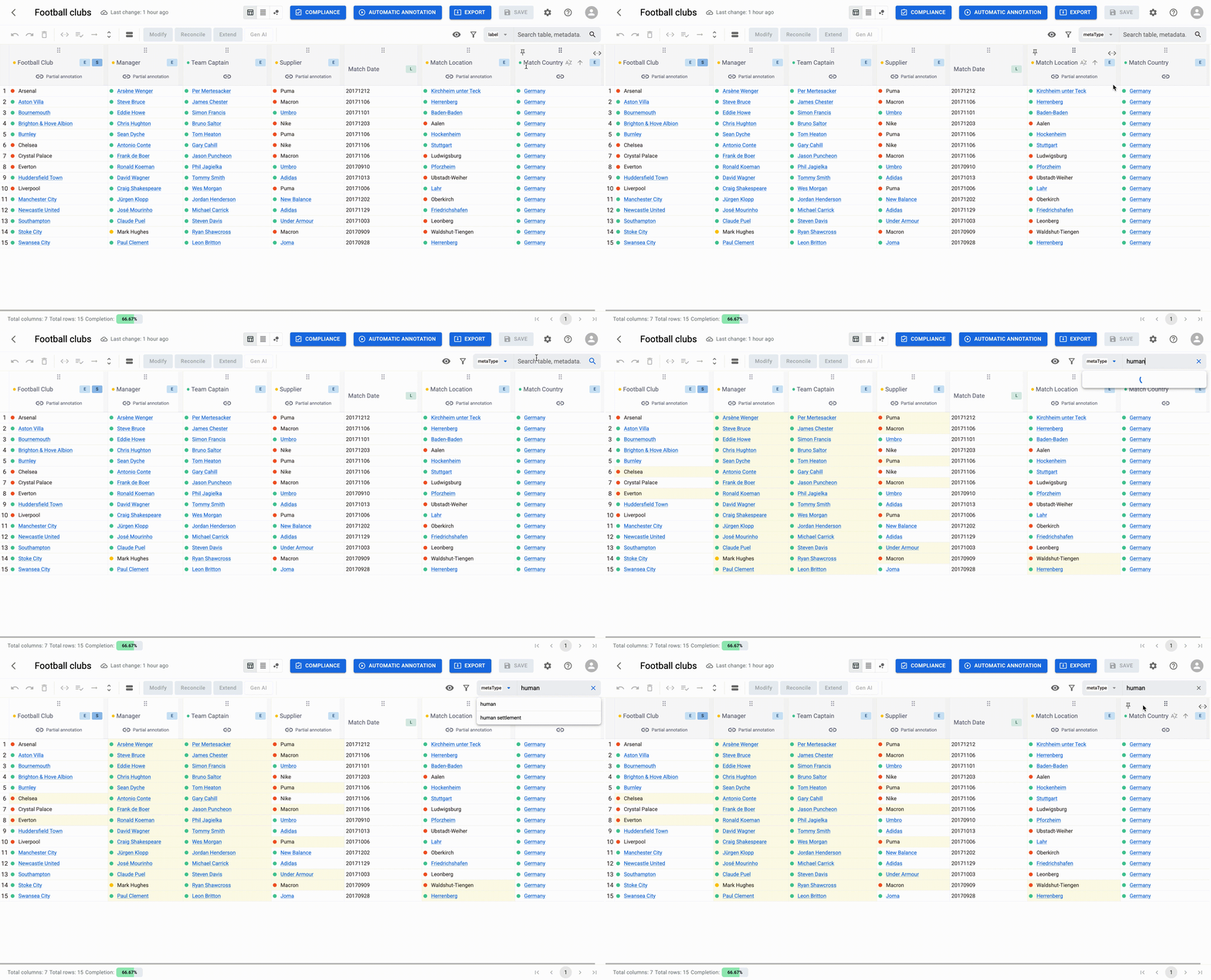
Located in the top-right corner of the SubToolbar, the search and filtering features allows you to quickly isolate specific data. You can filter the table based on:
- Cell labels
- Metadata names: Canonical names of the reconciled entity, which might differ from the cell labels (e.g., searching for the official entity name "Umbro" even if the cell is misspelled).
- Metadata types: Semantic categories or classes assigned to the reconciled entity.
The search bar provides real-time suggestions as you type, helping you locate entities or annotations faster. Matching cells are highlighted, while rows that do not meet the criteria are temporarily hidden from the view.